
When reporting a player for their behaviour on chat, it's useful to have specific timestamps of the messages in question. By default, this setting is disabled in the game, but you can easily enable it at any time. Here's how:
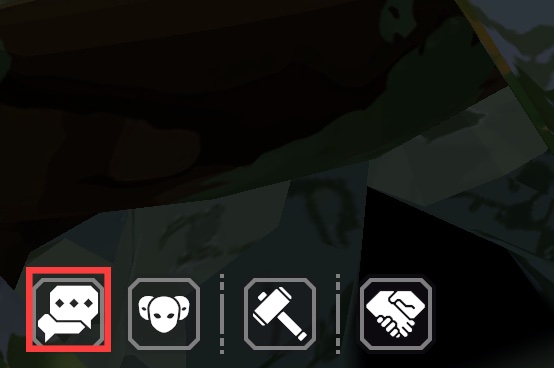
1. Press the Chat icon in the bottom left-hand corner of the screen, or press Shift + Enter at the same time. This will open the chat window.
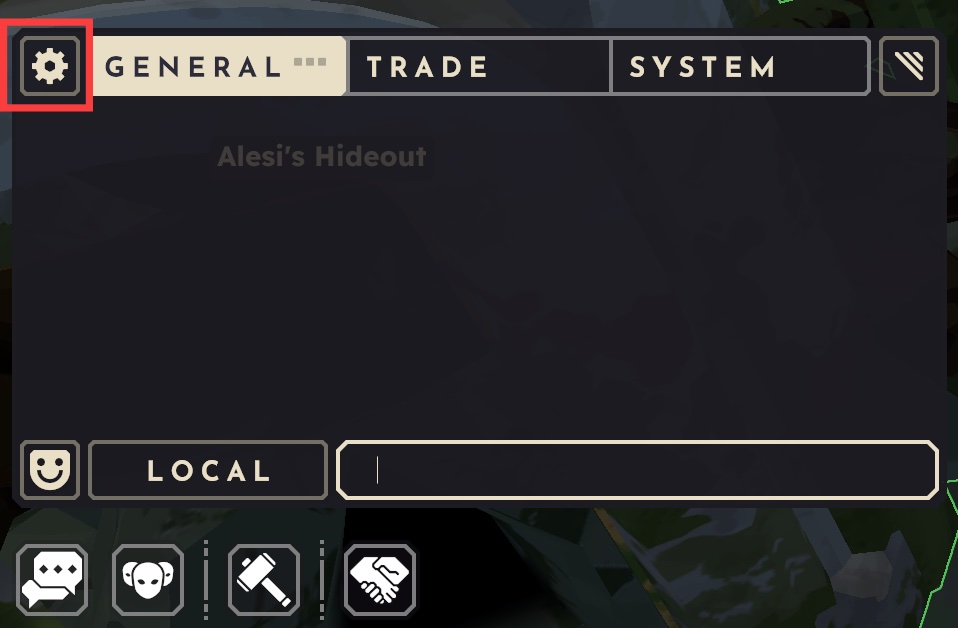
2. In the chat window, press the cog icon in the top left-hand corner, next to the General tab.
3. Press the button for 'Show Timestamps'. This will add timestampts to each chat message, including those that have been sent before you enabled them, which can be useful for reporting past interactions.