Login Information and Email Troubleshooting
You have the option to play the game without providing an email address.
If you choose to use your email address to log in, please ensure you only enter the address linked to the game account and type in the verification code.
We are aware of the current issues some users are experiencing when attempting to log in with an email address due to difficulties with certain email providers, and we are actively working on a resolution.
Alternative Login Options
If you enter an email address but do not receive a verification code, a pop-up will appear, allowing you to log in directly using your Steam account instead.
Type in your email address.
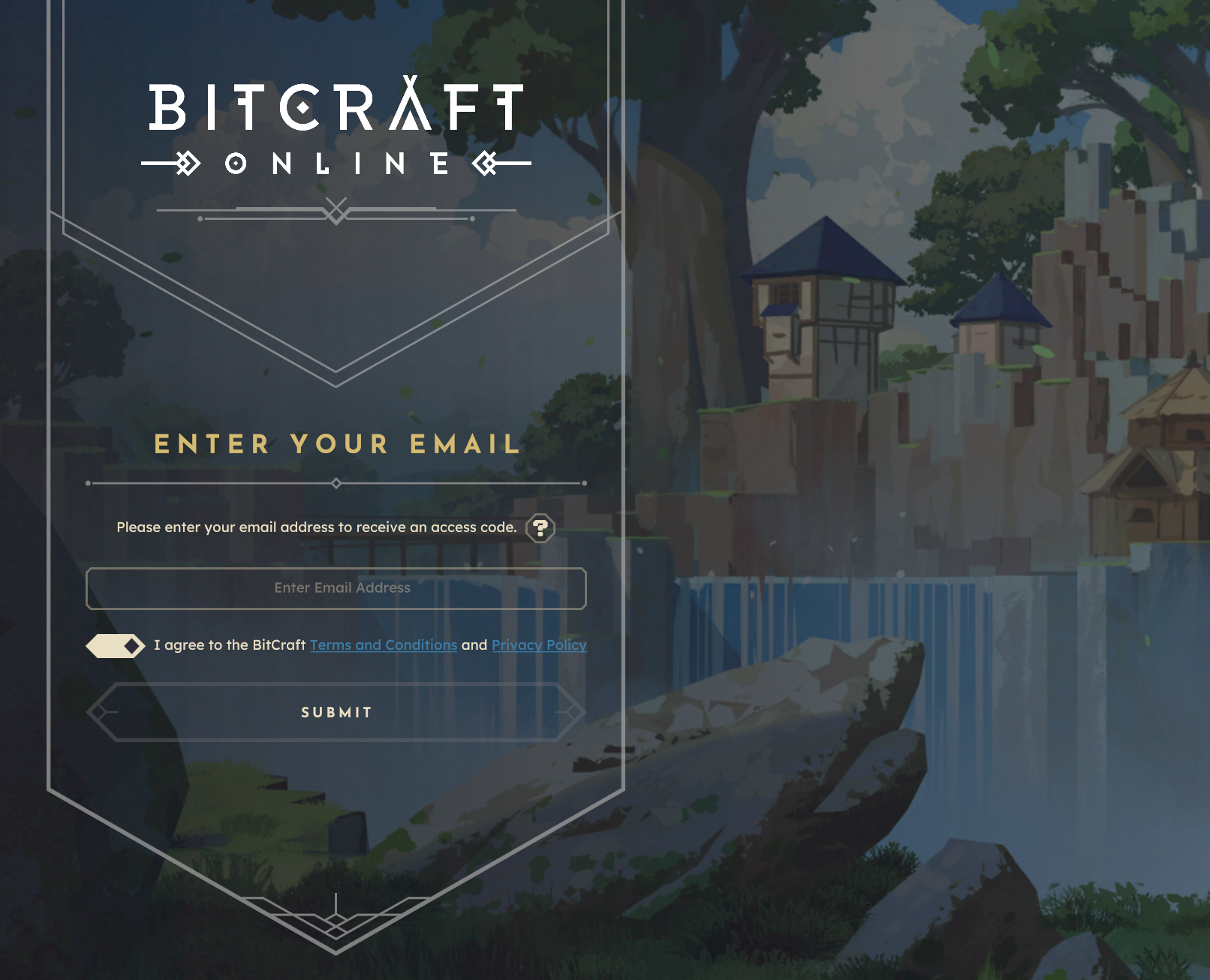
Wait for 30 seconds until a pop-up appears with the message "Having trouble?" Click it.
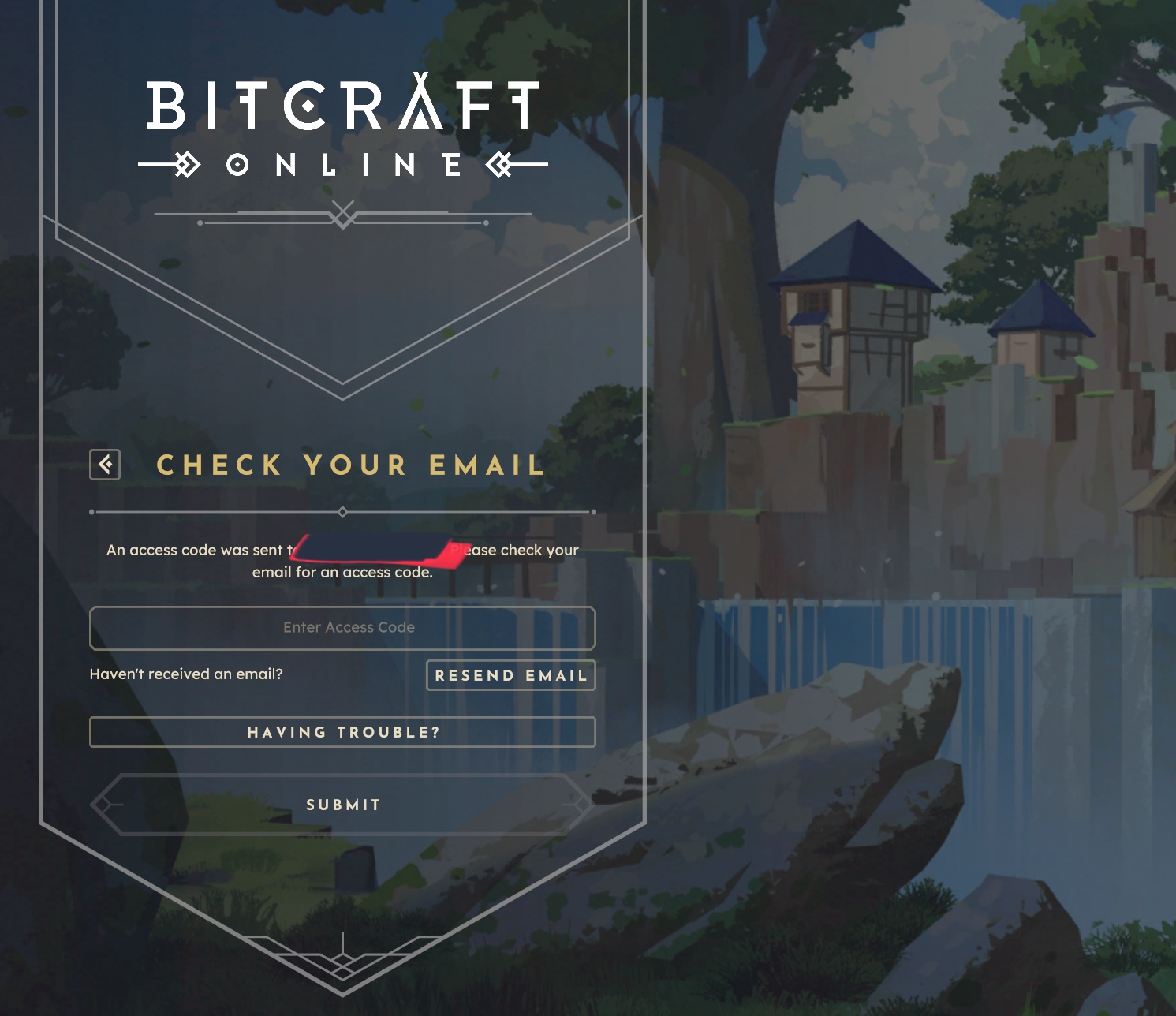
Read the main pop-up carefully to ensure you understand the process.
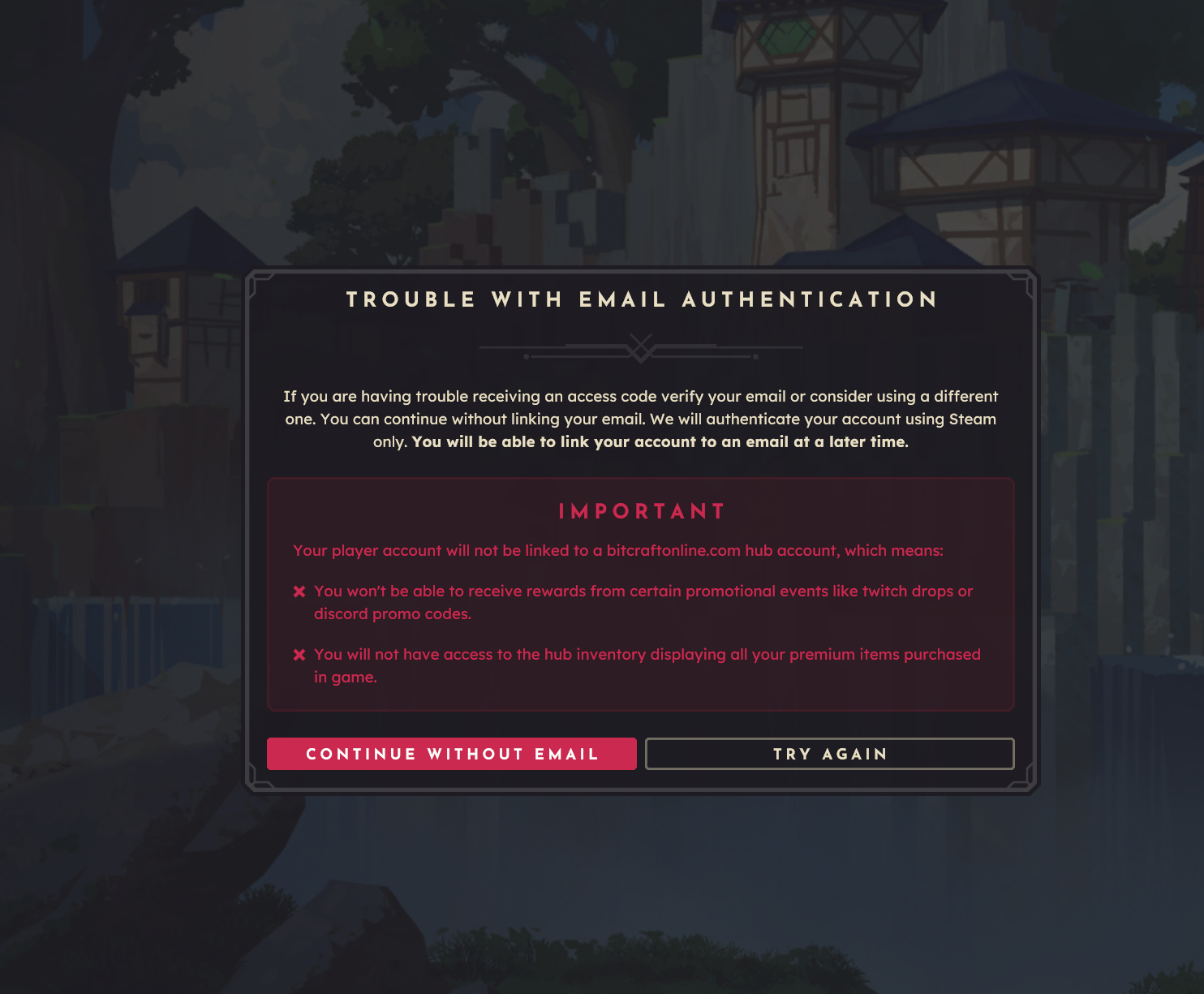
Once you understand, click and hold the button labeled "Continue without email."
Playing Without an Email Address
You can successfully log in without an email address, and this will not negatively impact your core game experience.
Please Note: Logging in without an email address will prevent you from receiving Twitch drops and may limit some available support options. You can, however, add your email address to your account at a later date.
Linking Your Email to Your BitCraft Account
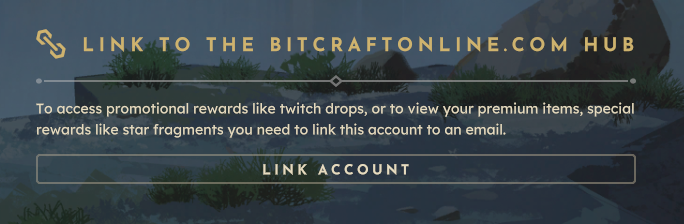
If you are currently logged in to your account without having used your email for the initial login, you now have the option to link your email address to your BitCraft account.
- In the login screen, click the Log Out button.
- Login without email.
- On the lower right, click the Link Account.